Your next connection starts here.
Turn any link into a scannable experience. Choose your QR mode and create instantly.
New managed static QRs are registered with NFCProduct and remain admin-controlled only. Visitors and customers cannot claim them. Only administrators may convert their stable printed URL to dynamic. Trial QRs expire according to trial settings.
Small code.
Big energy.
Make every physical touchpoint interactive. Create QR codes, launch dynamic experiences, and bring your brand into the real world.
One platform.
Many ways to connect.
From websites to business cards and smart product experiences, choose what you want people to discover.
Everything clicks
into place.
Useful tools, a straightforward workflow, and more control over the experiences behind every scan.
Change the destination.
Not the printed code.
With a dynamic QR and an eligible plan, update where your QR points without starting over.
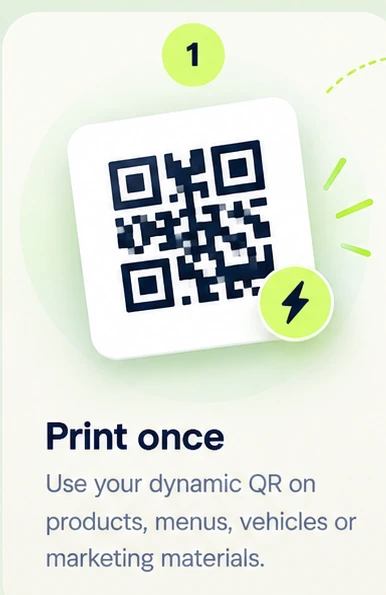
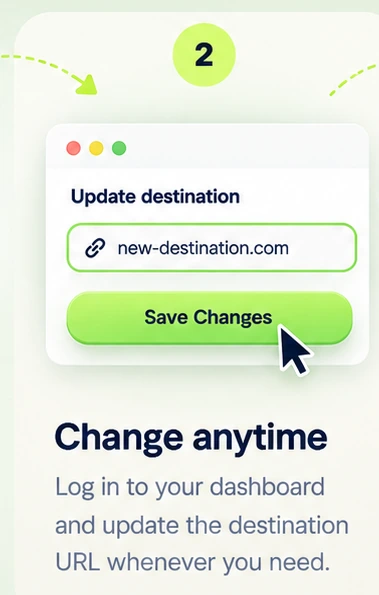
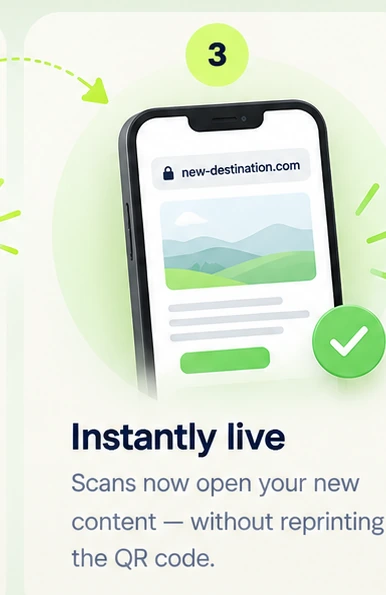
Know your scans.
Review QR activity and usage from your account dashboard.
03 / MULTI-LINKMore than one link.
Create a single destination for your important links with Omni-Node.
Three steps.
You are live.
Start with a link, generate a QR, and put it where people can discover you.
Create a QR now ↗Give it a
new purpose.
Have a physical NFCproduct.in QR? Enter its ID to begin the secure activation process.
Start simple.
Scale when ready.
Explore available plans for editable QR destinations, scan allowances and more.
Explore plans ↗TO START
STARTS HERE ↗
Questions?
We got you.
Quick answers before you create your next QR.
Can I generate a QR code for free?+
Yes. Use the free static URL QR generator at the top of this page. New static QRs use a permanent NFCProduct-managed link; only admins can convert them to dynamic and change their destination.
What is the difference between static and dynamic QR?+
New NFCProduct static QRs use a fixed managed URL with a locked destination. Only an administrator may convert them to dynamic and then edit that destination. Older direct-link static QRs cannot be retroactively converted.
Can I download my QR code?+
Yes. The generator supports PNG and SVG downloads when your QR is ready.
How do I activate a printed QR?+
Enter the QR ID in the activation section. You may be asked to log in or register, and activation is subject to ownership and eligibility checks.
Can I track QR scans?+
Eligible managed QR codes provide scan activity and usage information in the account dashboard.
Ready to be
scanned?
Your next customer interaction could start with one little square.
Create your QR ↗